Enabling Cache For WordPress
Last updated: February 1, 2025
GeneralTo Setup Cache for WordPress, follow these steps
Go to Plugins and click Add new
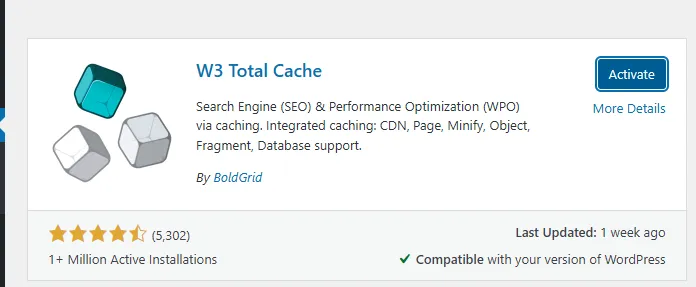
Search W3 Total Cache then install and activate
Go to W3 Total Cache Plugin settings
Read the terms of use and click accept
Click skip this setup guide
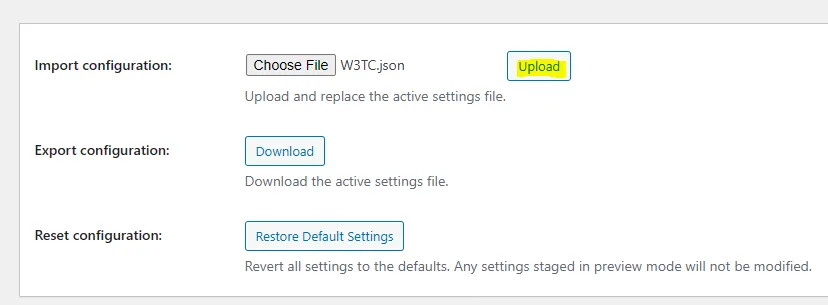
Click General Settings and go to Import / Export Settings in W3 total
Save this file to your computer and upload it to W3 total