How to Install Redis for WordPress
Last updated: February 4, 2025
GeneralInstall the Redis Plugin:
Log in to your WordPress Dashboard.
Navigate to Plugins > Add New.
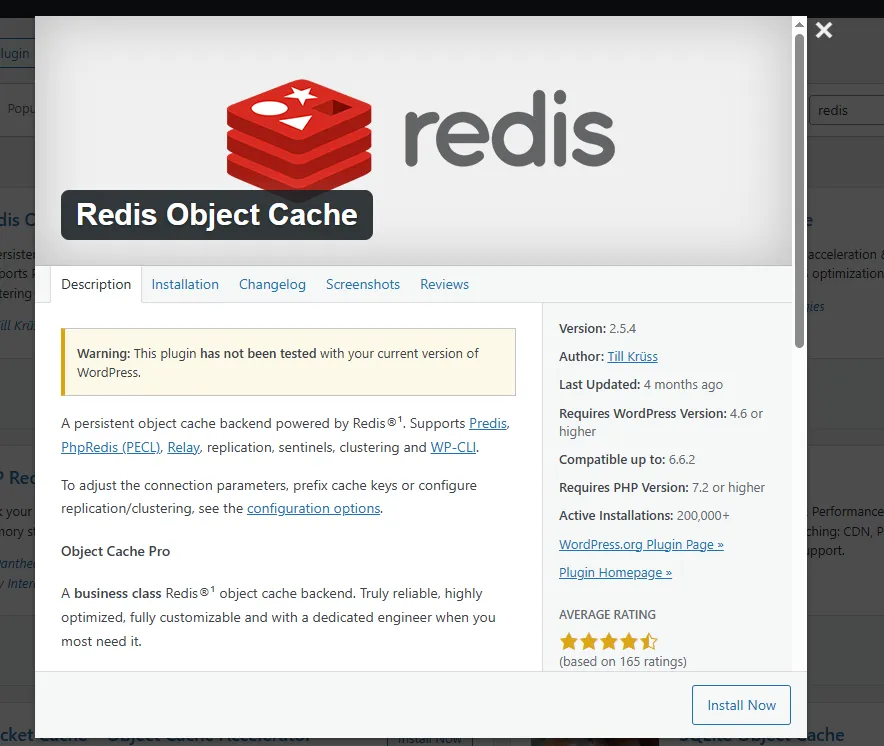
Search for Redis Object Cache.
Click Install Now, then Activate the plugin.
Enable Object Cache:
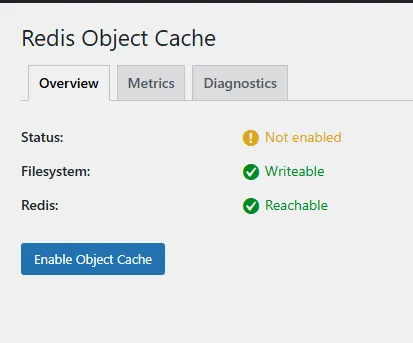
Go to Settings > Redis.
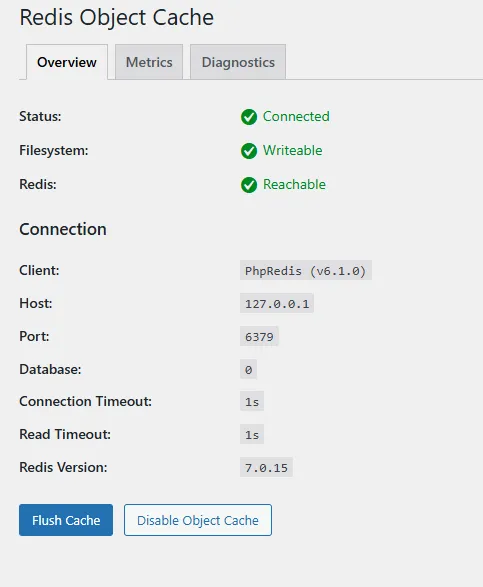
Click the Enable Object Cache button.
Redis caching is now enabled, improving your site’s performance!