How to Install Wordfence for WordPress
Last updated: February 4, 2025
GeneralWordfence is an essential security plugin for WordPress, providing malware scanning, firewall protection, and two-factor authentication (2FA).
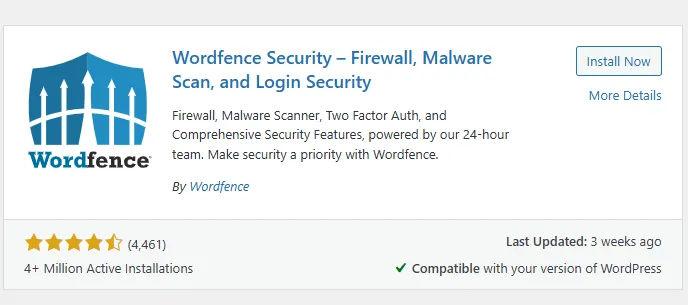
Install and Activate the Plugin:
Log in to your WordPress Dashboard.
Go to Plugins > Add New.
Search for Wordfence.
Click Install Now, then Activate.
Activate Wordfence with a License Key:
After activation, you will be redirected to a page to enter a license key.
If you already have a key, enter it. Otherwise, click Get Your Wordfence License button.
Choose the Free Plan, enter your email, and check your inbox for the key.
Enter the license key and activate Wordfence.
Set Up the Web Application Firewall (WAF):
After activation, a setup prompt will appear for Web Application Firewall.
Click Configure button.
Select Apache + CGI/FastCGI.
Download the .htaccess backup file, then click Continue.
This will optimize the Wordfence Firewall for better protection.